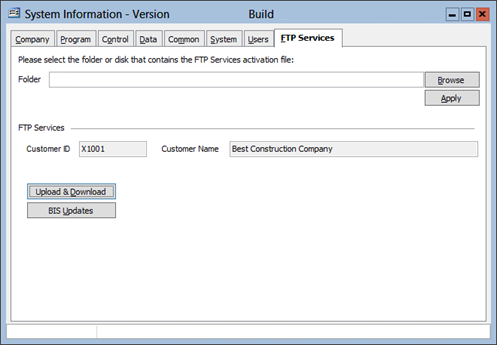
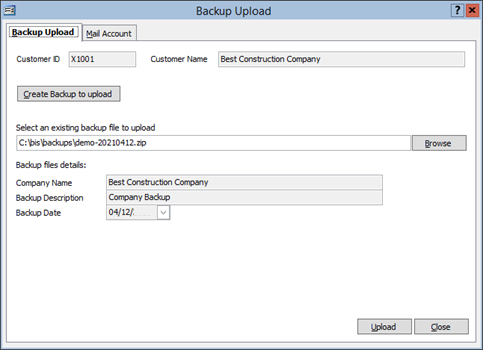
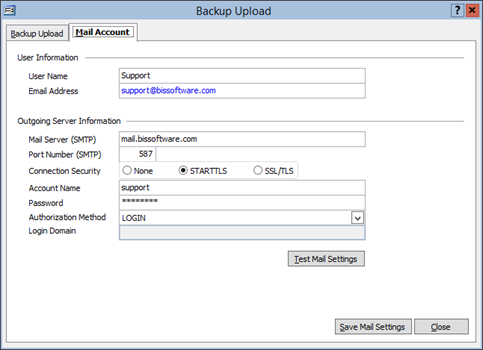
An option has been added to enable the uploading of BIS backups to the new MICS FTP Server. This new functionality is located under the “File” main menu.
Form Sample:
The new FTP Services require an activation file from MICS. This activation file can be applied in the System Information option, in the new FTP Services tab.
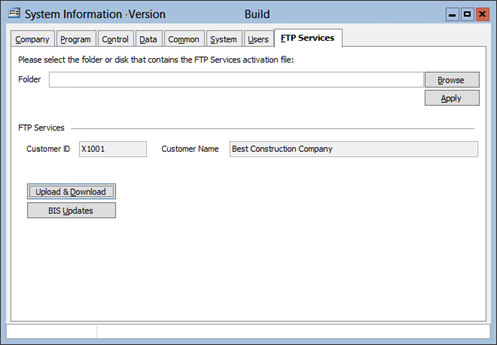
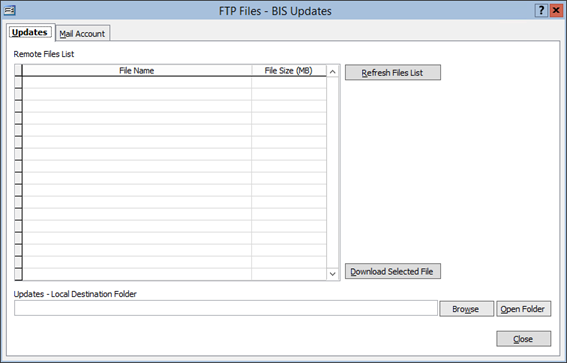
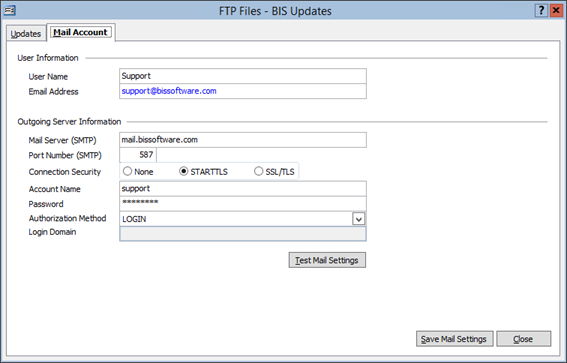
New FTP Services: “FTP BIS Updates” option
An option has been added to enable the downloading of BIS updates from the new MICS FTP Server. This new functionality is located in the System Information option.
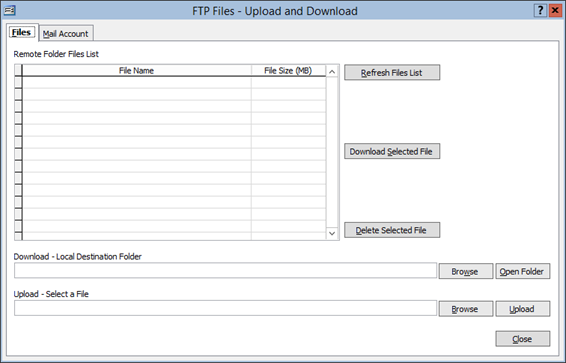
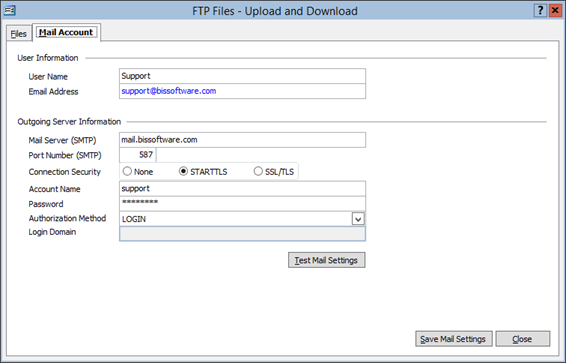
New FTP Services: “FTP Files – Upload and Download” option
An option has been added to enable the uploading and downloading of files requested by or sent by the MICS Support Dept. using the new MICS FTP Server. This new functionality is located in the System Information option.
5. New FTP Services: “FTP Activation” option
An option has been added in the System Information option to activate the new FTP Services.