There is a default Sales Person select box available the Default tab in the Job master file which is used in AR transactions to overwrite the Salesperson from the Customers master file.
When the new Salesperson box in the Jobs master file is blank, the Sales Person from the Customers master file (if any) is used. The following transactions, “AR Application for Payment”, “Contract Invoices”, “Credit Memos”, “Debit Memos”, “Sales Orders”, “Time & Materials Invoices”, “Unit Billing Invoices” and “Recurring AR” will receive the set Sales Person from the Jobs master file.
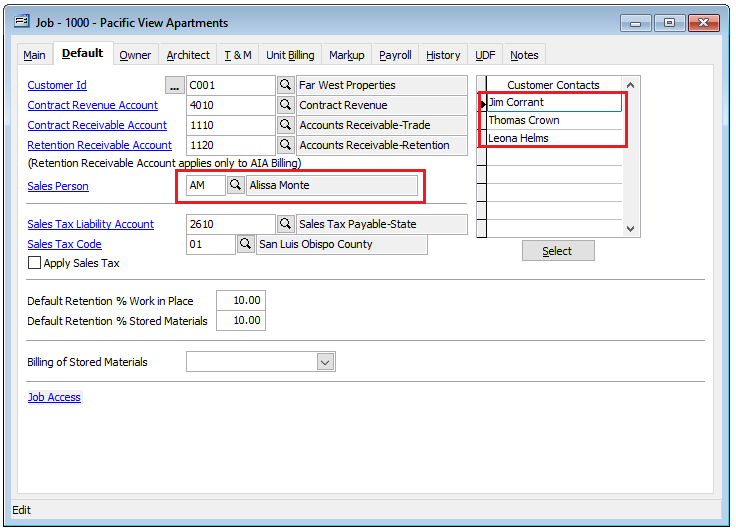
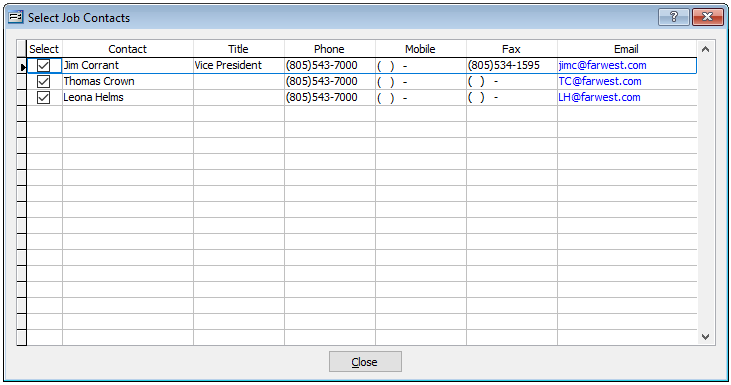
Also on Default tab in the Jobs Master file is the ability to link one or more Customer Contacts to any Job.