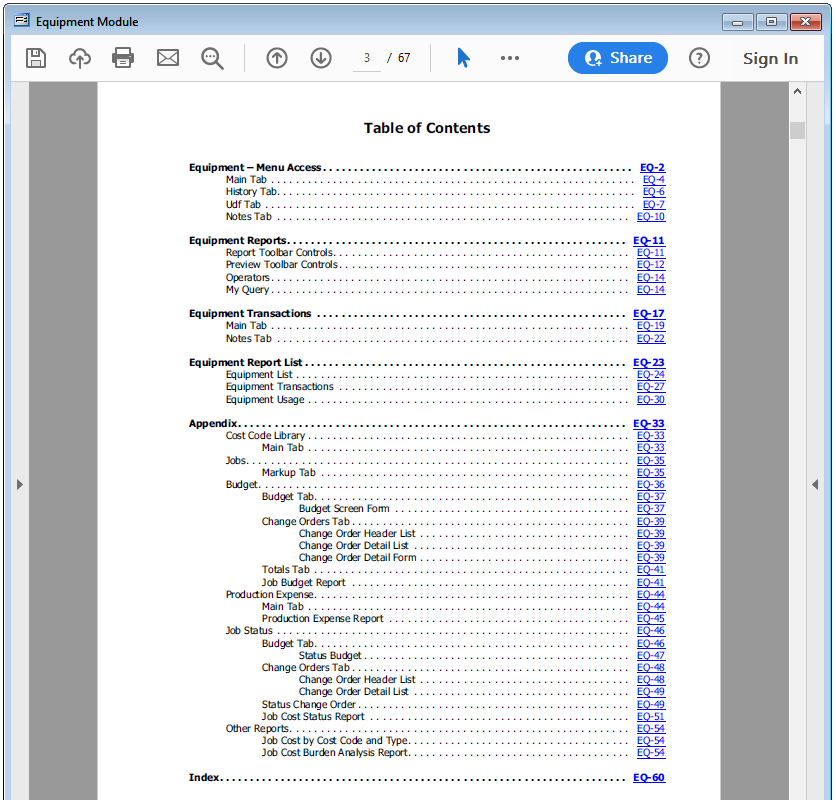
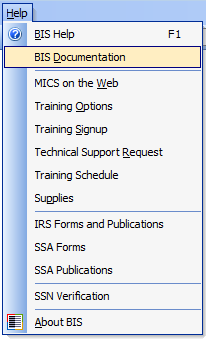
All BIS PDF manuals are easily accessible through the Help menu in BIS. Go to Help and select BIS Documentation in the menu. A list of all the available .PDF manuals will appear.
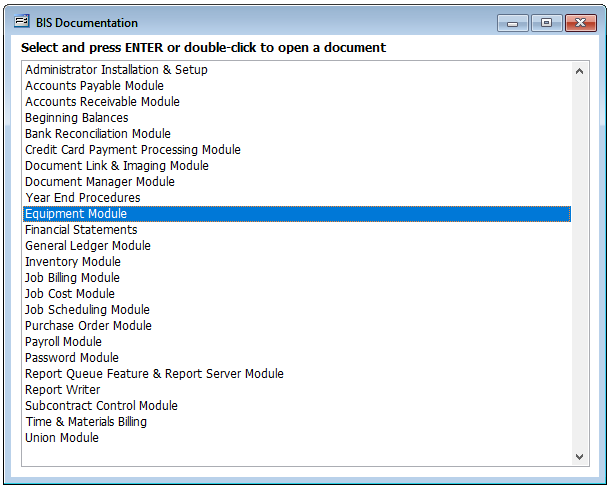
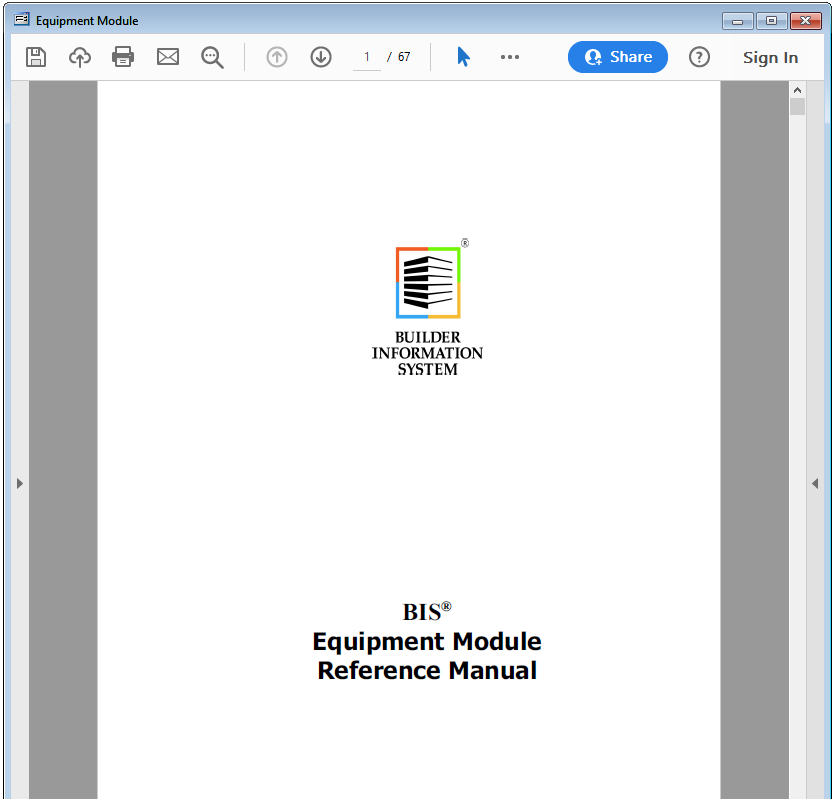
Simply double-click the desired manual from the list to launch the PDF manual. Voila!
All PDF manuals have a Table of Contents and an Index with hyperlinks to take the user directly to the desired section with in the manual.